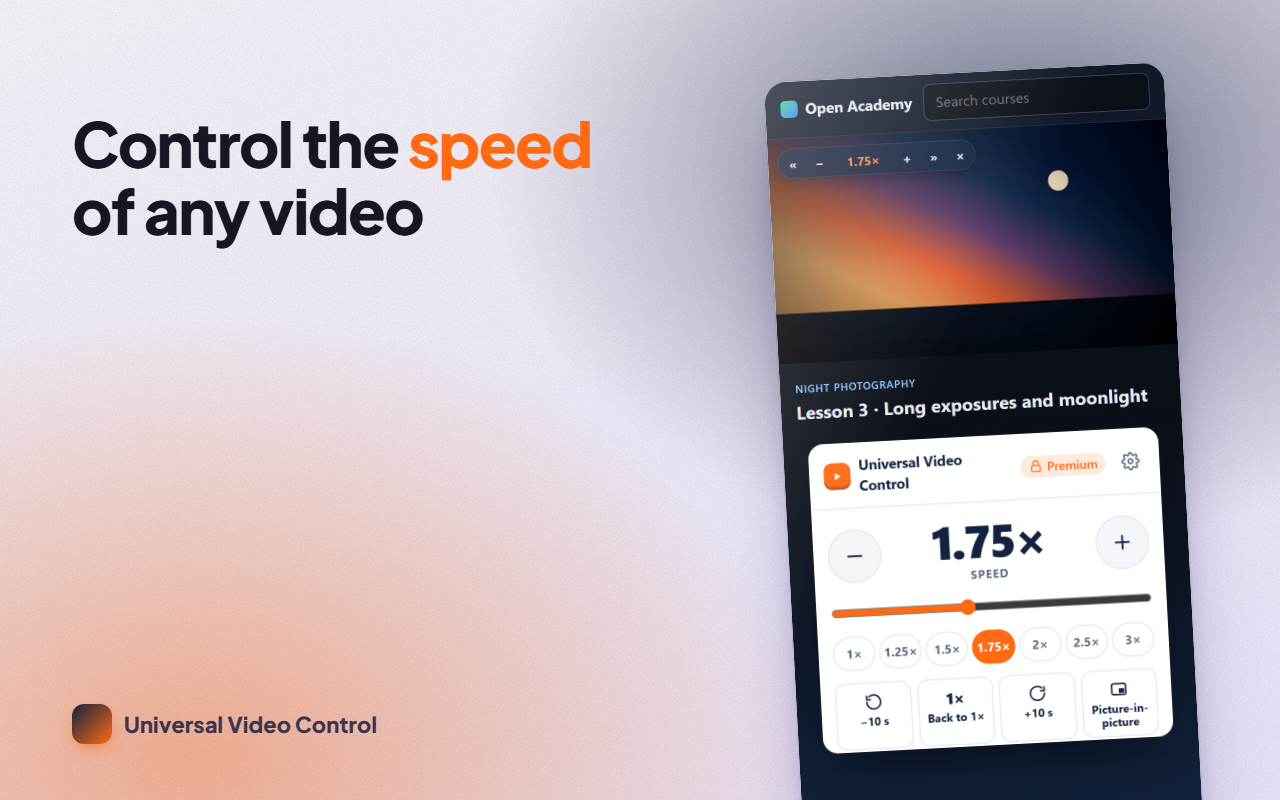
A video speed controller for any site: watch at your own pace and speed videos up or slow them down from 0.1× to 16× with one key, jump 10 seconds forward or back and repeat the part you need: on YouTube, online courses, social networks, Netflix in the browser, Twitch or any site with an HTML5 player. It also works with audio, with players inside iframes and with players built on shadow DOM.
WHAT IT DOES
- Fine control: from 0.1× to 16× in 0.05 steps, far beyond the 2× cap of so many players.
- A discreet overlay on the player: it shows the current rate, can be dragged anywhere and hides by itself.
- Customizable keyboard shortcuts, with conflict warnings, switched off while you type in a text field.
- One-click presets in the extension button: 1×, 1.25×, 1.5×, 1.75×, 2×, 2.5× and 3×.
- Picture-in-picture (PiP) to keep watching while you work.
- Remembers your last rate and applies it to every new playback.
HOW TO USE IT
- Open a page with a player.
- Press D to go faster and S to go slower. R goes back to 1× (press it again to return to your previous rate).
- Z rewinds 10 s and X advances 10 s. G jumps to your preferred speed, V shows or hides the overlay, P toggles picture-in-picture and B sets the A-B loop.
- Change any key from "Shortcuts & settings".
FREE AND PREMIUM
Free forever: full playback speed control, shortcuts, overlay, presets, PiP and the remembered rate. Premium adds the A-B loop to repeat a section, frame capture to PNG, per-site profiles (each site with its own rate and volume), a volume booster up to 600% and a JSON backup of your settings. Get Premium with a license (€1.99 a month, €9.99 a year or €19.99 for life) or by writing an honest review of the extension.
PRIVACY
The extension only acts on the page's video and audio elements. It doesn't read what you type or which sites you visit, has no analytics and sends no data to any server: your settings stay in your browser. It asks for access to all sites only so that the shortcuts and the overlay work wherever there's a player.
SUPPORT
A site where it doesn't work, or an idea? Write to us from the support page and we'll reply within 48 hours.